Planning & Leadership
project-manager, software-architect, team-leader
Agents are specialized AI workers that Ptah coordinates on your behalf. Each agent has a focused role — writing backend code, reviewing UI, researching a library, managing DevOps pipelines — and a system prompt tuned for that role. Instead of asking one generalist model to do everything, Ptah lets the right expert handle the right slice of work.
A single, unrestricted chat session tends to drift: it forgets the architecture it proposed, mixes up frontend and backend conventions, and loses track of review feedback. Ptah’s agents solve that by giving each concern:
The result: higher-quality output, fewer hallucinations, and a reviewable trail of who did what.
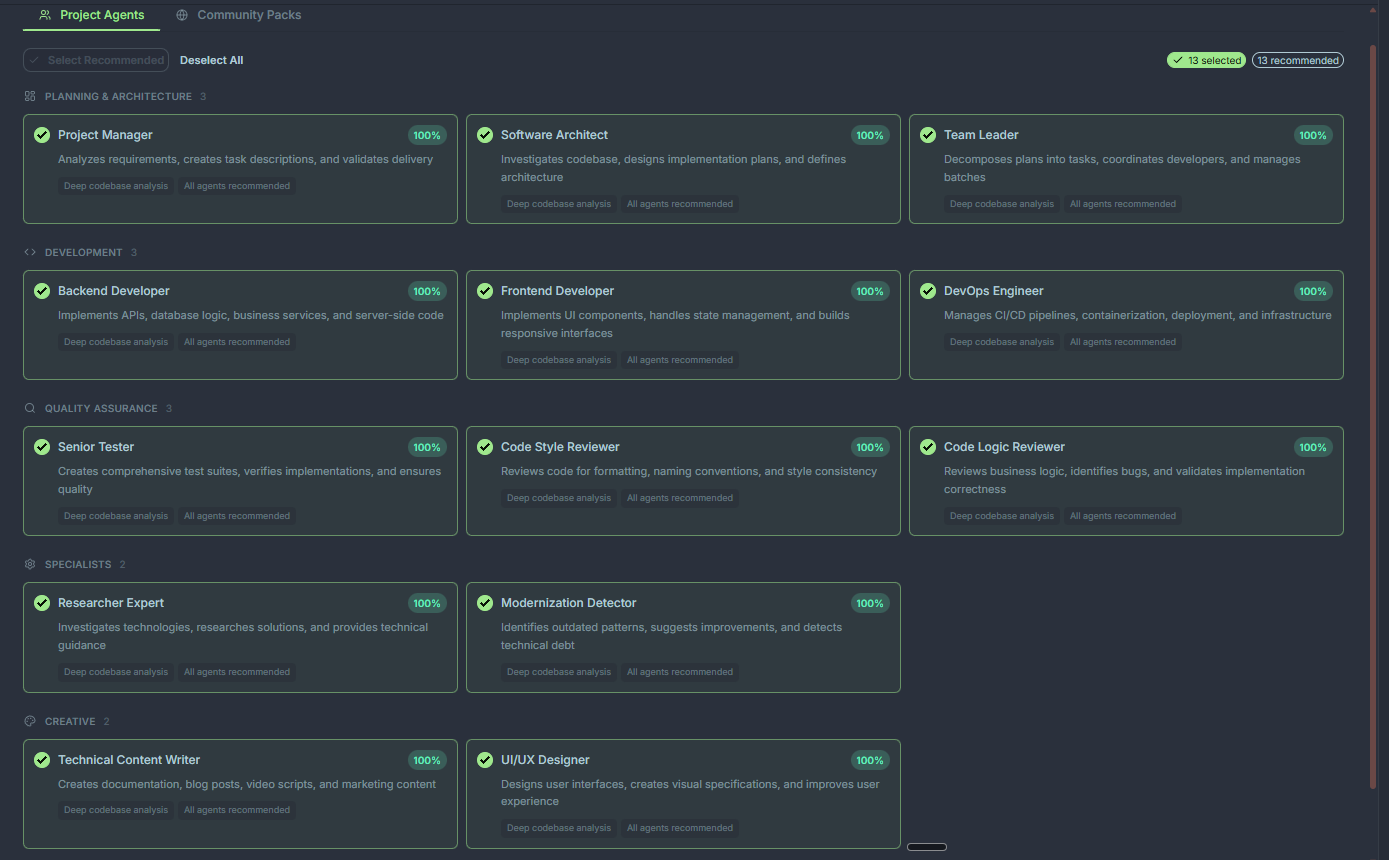
Ptah ships with 14 built-in agents covering the full software delivery lifecycle — from planning and architecture through implementation, review, and release. They live in every new workspace and are always available from the agent picker.
Planning & Leadership
project-manager, software-architect, team-leader
Implementation
backend-developer, frontend-developer, devops-engineer
Quality & Review
senior-tester, code-style-reviewer, code-logic-reviewer
Research & Design
researcher-expert, modernization-detector, ui-ux-designer, technical-content-writer
See the built-in agent catalog for the full table of roles, triggers, and typical use cases.
Ptah uses a three-tier orchestration model:
Read more in Agent orchestration.
Built-in agents are bundled with Ptah. Custom and modified agents are stored per workspace under:
<workspace-root>/.claude/agents/Each agent is a Markdown file with YAML frontmatter describing its name, description, tools, and system prompt. You can edit these directly or use the in-app editor — see Custom agents.
Run the setup wizard
Let Ptah analyze your project and generate a tuned agent roster. Start here →
Browse the built-ins
See all 14 built-in agents and when to reach for each. Catalog →
Spawn CLI agents
Parallelize work with Copilot, Codex, and ptah-cli. CLI agents →
Sync to your CLIs
Push your Ptah agents to Copilot, Codex, and Cursor. Sync →