Agent Setup Wizard
Agent Setup Wizard
Section titled “Agent Setup Wizard”The Agent Setup Wizard turns your workspace into a tuned team of AI agents. It analyzes your code, detects your stack, proposes specialists, and saves them into .claude/agents/ — all in a few clicks.
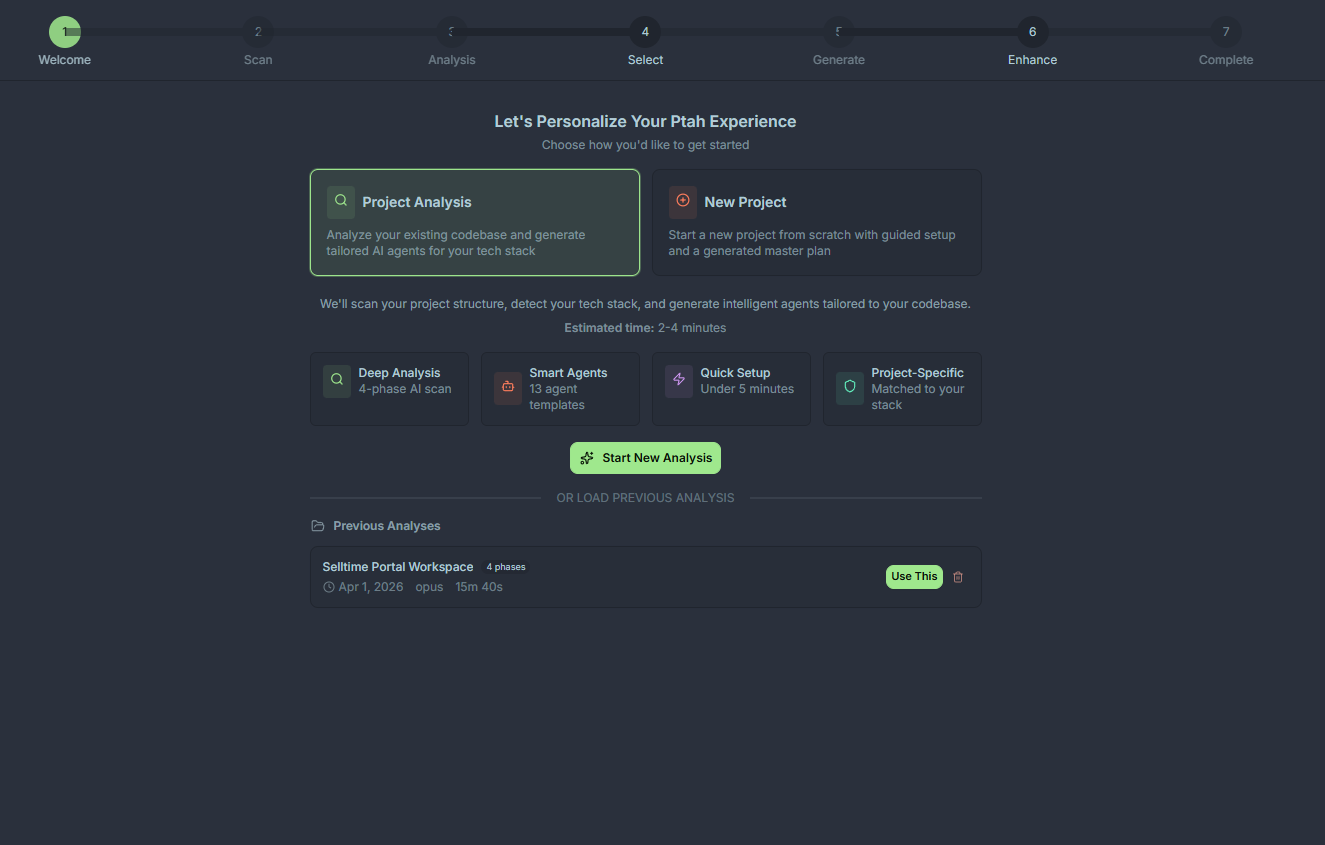
When to run it
Section titled “When to run it”- The first time you open a project in Ptah
- After a major stack change (e.g., migrating from REST to GraphQL, adding a mobile app)
- When you want to refresh agent prompts against the latest codebase conventions
The four steps
Section titled “The four steps”Step 1 — Project analysis
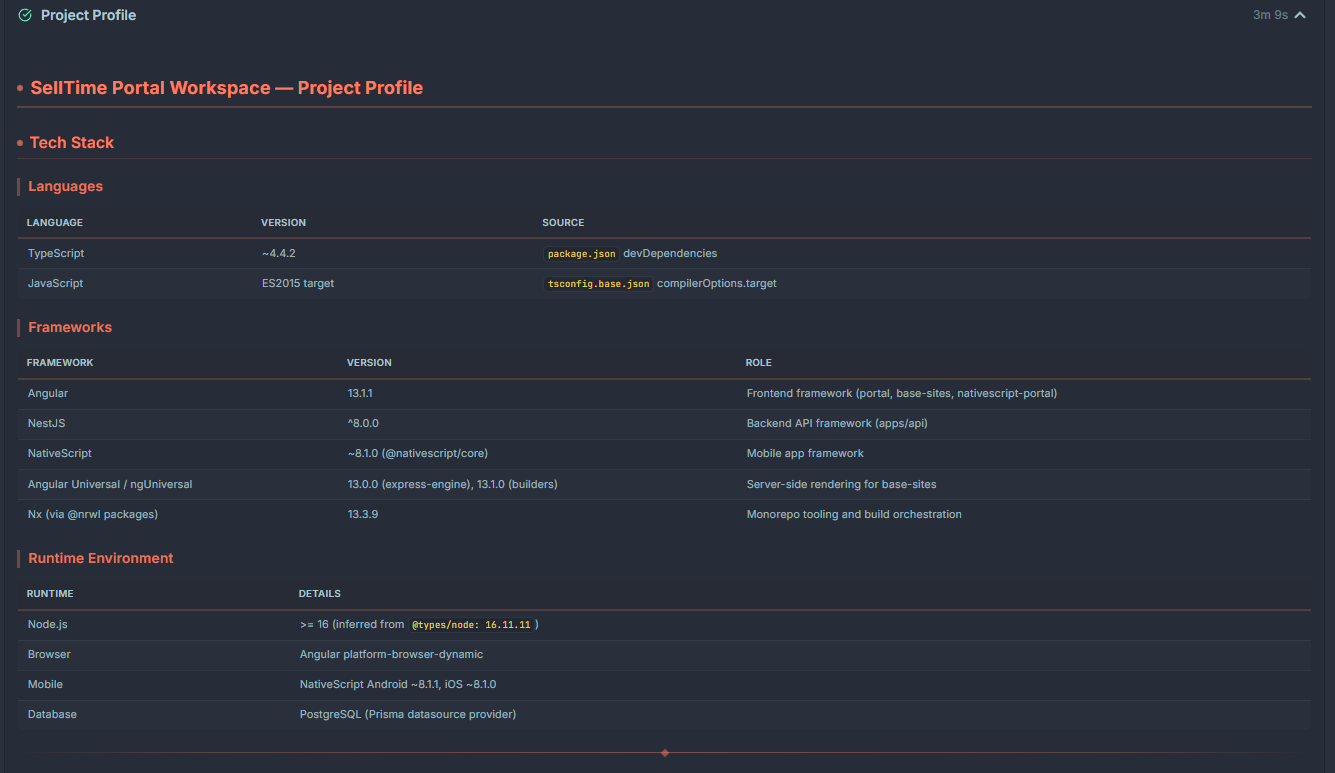
Section titled “Step 1 — Project analysis”Ptah scans your workspace to build a fingerprint: package manifests, lockfiles, framework configs, test runners, CI pipelines, and directory conventions. The scan is local and read-only.
You’ll see a live progress list as files are analyzed. Typical scan time is under 30 seconds for mid-sized repos.
Step 2 — Tech stack detection
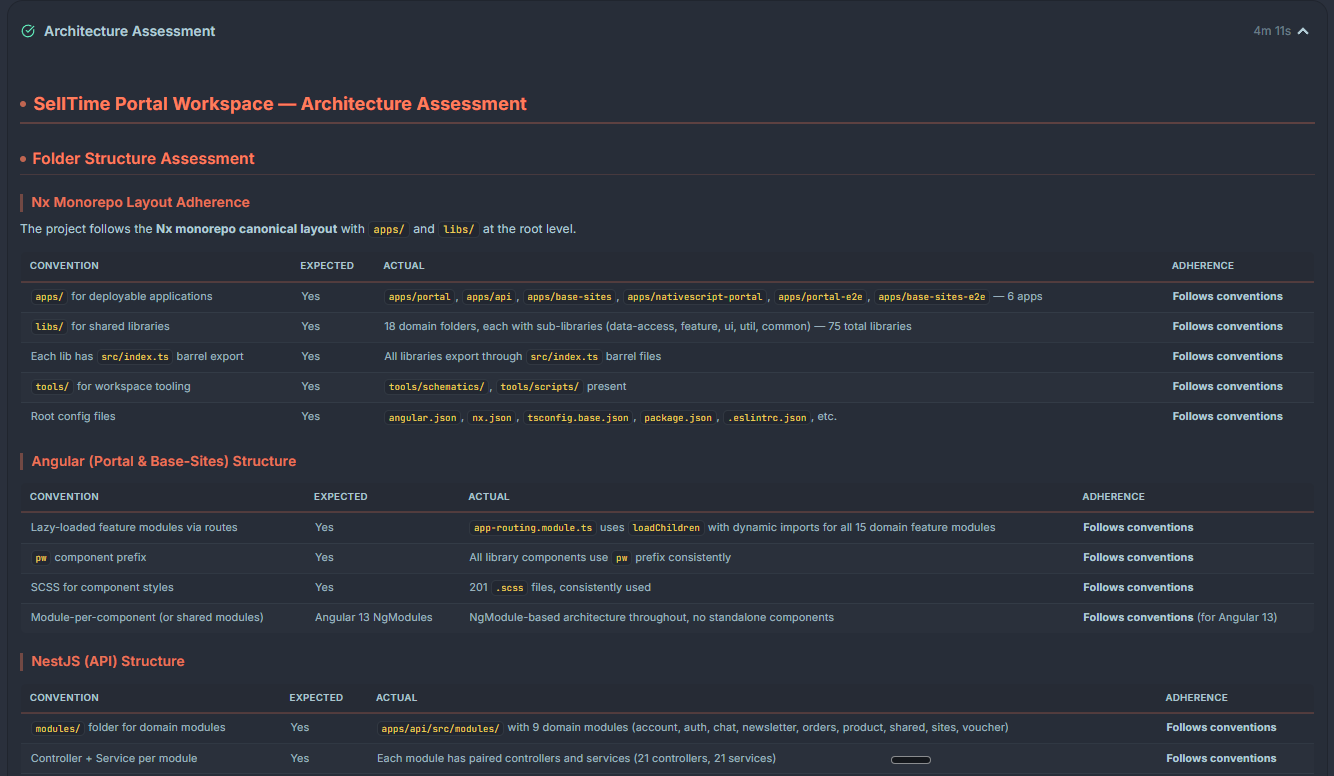
Section titled “Step 2 — Tech stack detection”The results from step 1 are summarized into a detected stack — languages, frameworks, databases, cloud targets, testing tools, and build systems. You can:
- Confirm auto-detected entries
- Add anything the scan missed (e.g., internal libraries)
- Remove false positives
Step 3 — Agent generation
Section titled “Step 3 — Agent generation”Ptah uses the confirmed stack to produce a recommended agent roster. All 13 built-ins are always included; the wizard additionally proposes stack-specific variations (for example, a backend-developer tuned for NestJS + Prisma, or a frontend-developer tuned for Angular signals).
Each proposed agent shows:
- Name and role
- Suggested system prompt (scrollable preview)
- Tool permissions
- A rationale line explaining why it was suggested
Step 4 — Review & save
Section titled “Step 4 — Review & save”The final step is a diff view. You can:
- Toggle individual agents on/off
- Edit any prompt inline before committing
- Rename agents (they must be unique within the workspace)
Click Save roster to write files to .claude/agents/. Ptah reloads the agent registry automatically — no restart needed.
What gets written
Section titled “What gets written”<workspace-root>/ .claude/ agents/ project-manager.md software-architect.md backend-developer.md frontend-developer.md ...Each file is plain Markdown with YAML frontmatter:
---name: backend-developerdescription: Implements server-side features with NestJS + Prisma conventions.tools: [read, write, bash, ptah_search_files]---
You are a senior backend engineer working in a NestJS monorepo...
Re-running the wizard
Section titled “Re-running the wizard”Open Command Palette → Ptah: Run Agent Setup Wizard at any time. The wizard detects existing agents and presents a merge view so you don’t overwrite manual edits.